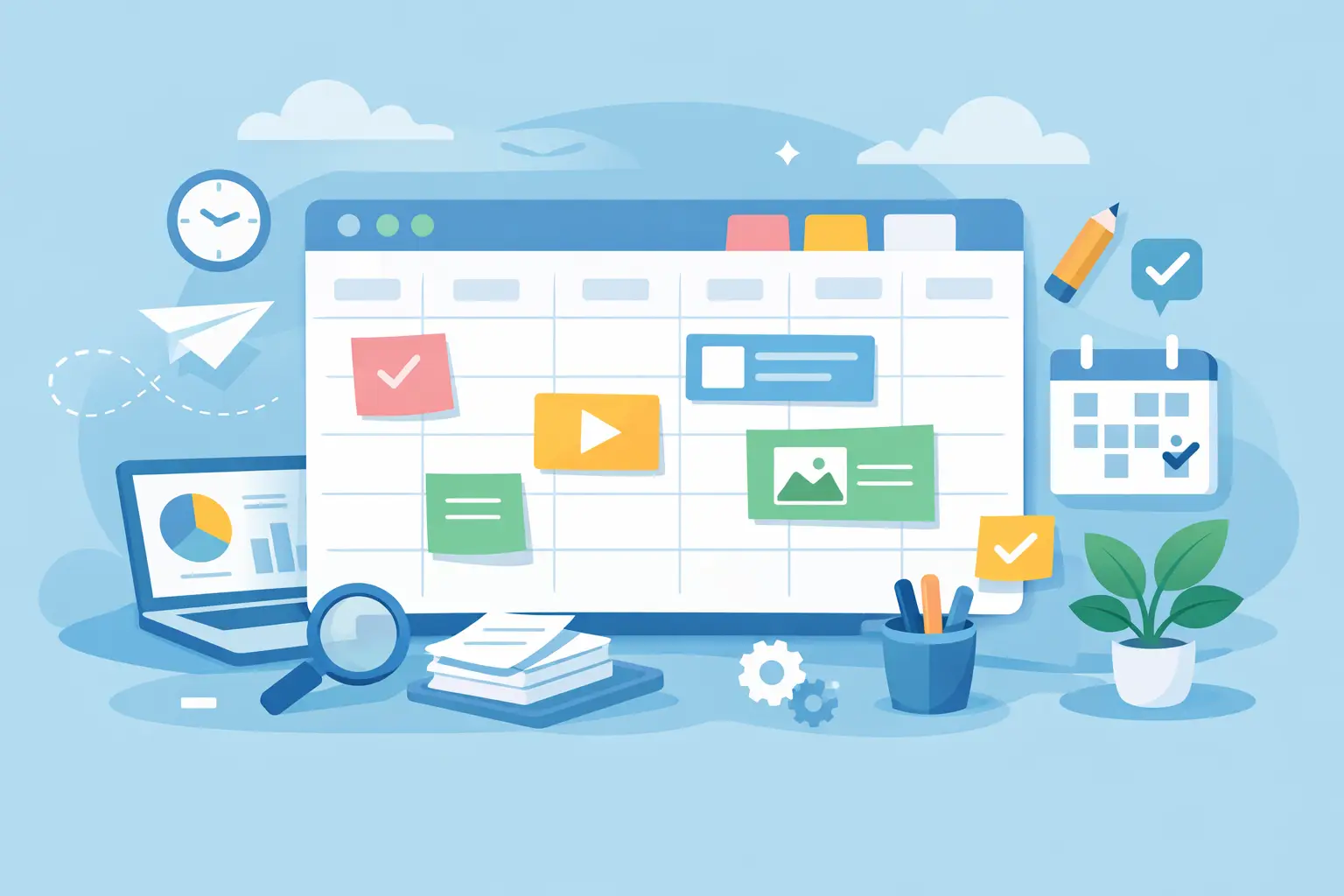
Most content problems do not start with creativity. They start with scattered notes, unclear deadlines, and a publishing process that changes every week. A solid content planning system fixes that. It gives your ideas a place to live, turns loose intentions into scheduled work, and makes consistency feel more manageable.
For creators, freelancers, and small business owners, that matters because content rarely exists on its own. It sits next to client work, admin tasks, sales follow-up, and everything else competing for attention. If your process depends on memory or last-minute motivation, content becomes the first thing to slip. A better system does not need to be complicated. It needs to be clear enough that you will actually use it.
What a content planning system should do
A content planning system is not just a calendar. A calendar shows dates. A system shows how ideas move from concept to published asset.
That distinction matters. Many people think they need more content ideas when they actually need a cleaner process for choosing, developing, and scheduling the ideas they already have. If your workflow lives across sticky notes, drafts, screenshots, and half-finished documents, planning feels heavier than it needs to.
A useful system should do three things well. It should help you capture ideas quickly, decide what is worth creating, and keep production moving without constant rework. If one of those parts is missing, the whole process starts to wobble. You may have plenty of ideas but no publishing rhythm, or a full calendar with no clear link to business goals.
The best setup is usually lighter than people expect. For most small teams and solo operators, simple beats elaborate. More fields, more labels, and more tools do not always create more control. They often create more maintenance.
Why most content planning breaks down
The problem is rarely effort. It is usually friction.
A lot of planning systems fail because they ask you to make too many decisions at once. You sit down to plan one post and suddenly you are choosing a topic, platform, angle, format, call to action, publish date, design needs, and caption structure. That is not planning. That is cognitive overload.
Another common issue is building a system around ideal weeks instead of real ones. In theory, posting five times a week sounds productive. In practice, it may be unrealistic if you are also serving clients or managing a small business. An inconsistent simple plan is still better than an ambitious plan you abandon after ten days.
There is also the tool problem. Many business owners layer apps on top of apps because each one solves a different piece of the workflow. That can work, but only up to a point. Once your content planning system requires too much switching, updating, and checking, it starts to feel like another job.
Build your content planning system around four parts
The easiest way to create structure is to keep the system focused on four parts: ideas, planning, production, and publishing.
1. Ideas
This is your capture space. It should be fast and low-pressure. When a topic comes to mind, you need one place to store it without deciding everything on the spot.
A good idea bank might include the topic, the audience problem it addresses, and the format it could become. That is enough to make the idea usable later. If you try to fully outline every idea as soon as it appears, you will either slow yourself down or stop capturing ideas altogether.
2. Planning
This is where you choose what actually gets made. Your planning view should answer basic questions clearly: what are you publishing, when does it go live, and why does it matter?
This is also where priorities become visible. Not every idea belongs in the current month. Some support a launch, some nurture your audience, and some are better saved for later. A clean planning layer helps you distinguish between useful content and urgent content. They are not always the same.
3. Production
Once something is selected, it needs a production path. That means assigning status markers such as draft, in review, ready to design, scheduled, or published.
This part is what keeps planning from turning into a wish list. If you do not track execution, your content calendar can look full while nothing is actually getting finished. Even solo business owners benefit from visible workflow stages because they reduce mental load. You do not have to remember where everything stands.
4. Publishing
This is the final layer, but it should not be an afterthought. Your publishing view should tell you what is going out, where, and in what format.
For some businesses, that may only mean one primary channel and one supporting channel. For others, a single topic may turn into an email, a short-form post, and a longer article. The right setup depends on your capacity. A smaller system that supports repurposing is often stronger than a larger system that demands original content for every platform.
Keep the system simple enough to repeat
If your system takes an hour to update every time you use it, it is too heavy.
This is where many people overbuild. They create categories for every possible content type, color-code everything, and add fields they never revisit. It looks organized at first, but it quietly becomes harder to maintain. A content planning system should reduce friction, not introduce new forms of it.
For most independent professionals, a strong setup only needs a few core fields: content title, platform, goal, deadline, status, and key notes. You can always expand later if a repeated need shows up. Starting lean gives you room to notice what actually matters in your workflow.
There is a trade-off here. Simpler systems are easier to use, but they may offer less reporting or detailed segmentation. More detailed systems can support teams and complex campaigns, but they require discipline to maintain. If you work alone or with a very small team, usability usually matters more than depth.
Plan by theme, not by panic
One of the easiest ways to reduce content stress is to stop planning piece by piece and start planning by theme.
Themes create structure without forcing repetition. Instead of asking what to post every single day, you decide what your content should support over a week or month. For example, one theme may focus on educating your audience, another on demonstrating your process, and another on building trust through examples or proof.
This approach makes idea selection faster because you are not starting from a blank page each time. It also helps your content feel more coherent. Random posting can still be useful, but consistent themes tend to build stronger recognition over time.
For client-based businesses and service providers, themes are especially helpful because they connect content to actual business priorities. If you are promoting a specific offer, onboarding new clients, or entering a busy season, your content planning system should reflect that. Good planning is not separate from business operations. It supports them.
Review the system before you blame yourself
If you keep falling behind, the issue may not be discipline. It may be design.
A lot of content routines fail because the process was built without enough margin. Maybe your deadlines are too tight. Maybe every post requires too many custom steps. Maybe your planning session does not account for the actual time you have available.
That is why regular review matters. Not a dramatic overhaul, just a practical check-in. Which content types are easiest to produce? Which ones perform well enough to repeat? Where does work tend to stall? A good content planning system should become easier to use over time because you refine it based on reality.
This is also where templates can help. Instead of rebuilding your workflow from scratch every month, you start from a clean structure that already supports planning, visibility, and repeatable action. That is often the difference between a system that looks good and one that gets used. Brands like Holmkit are built around that idea – practical structure without unnecessary complexity.
The goal is consistency you can maintain
You do not need a perfect content machine. You need a process that helps you decide what to create, move it through production, and publish without constant friction.
A content planning system works best when it feels calm. Not empty, not vague, just clear. Clear enough to show what matters now, what comes next, and what can wait. When your workflow supports that kind of clarity, content becomes easier to manage and far less likely to disappear under everything else on your plate.
Start with less than you think you need, then refine from use. The best system is usually the one you trust enough to return to next week.